Loyoly
Let Ralph answer your shoppers' loyalty questions with your real Loyoly program, from the rewards to each member's points balance.
Connect Loyoly once, and Ralph answers questions about your loyalty program with its real data: the rewards, the ways to earn points, and each signed-in member's balance. Ralph brings the program up only when a shopper asks.
Before you start
- A Loyoly account with your loyalty program set up.
- For member balances, a Shopify store with the Ralph app embed turned on. See Member balances.
Connect Loyoly
Copy your API key from Loyoly
In your Loyoly back office, open Parameters and copy your API key.
Paste it in the dashboard
Open Integrations → Loyoly in the dashboard and paste the key. Test connection checks it without saving anything and shows the Loyoly account it belongs to.
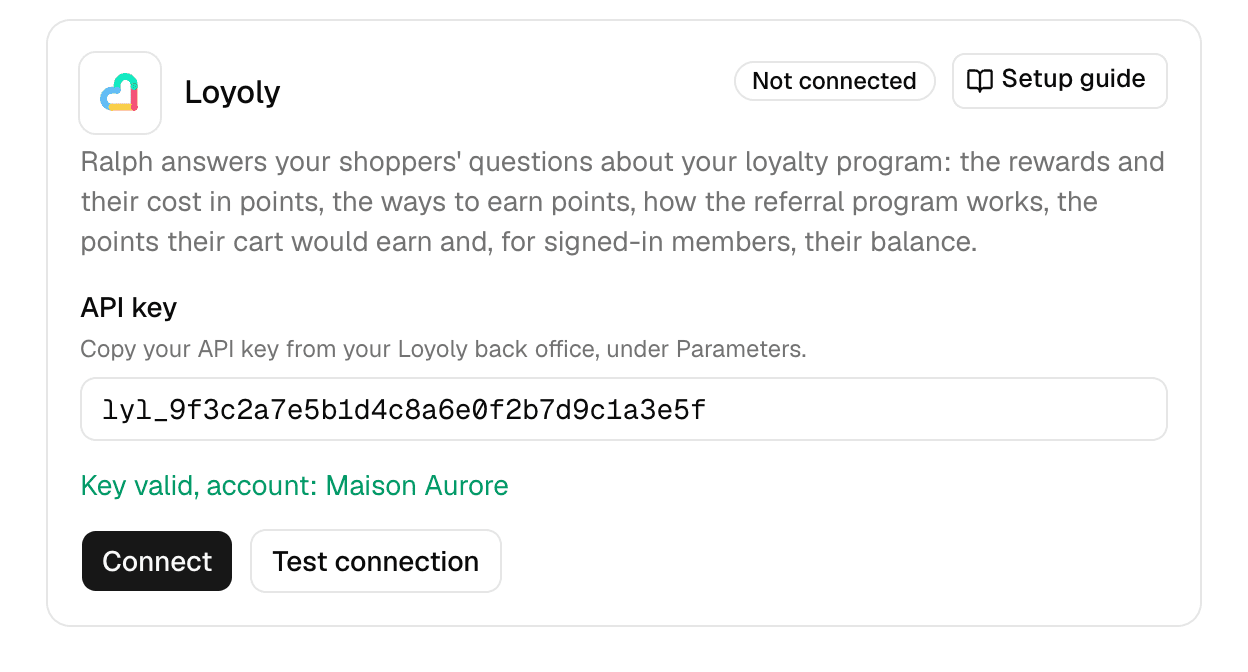
Connect
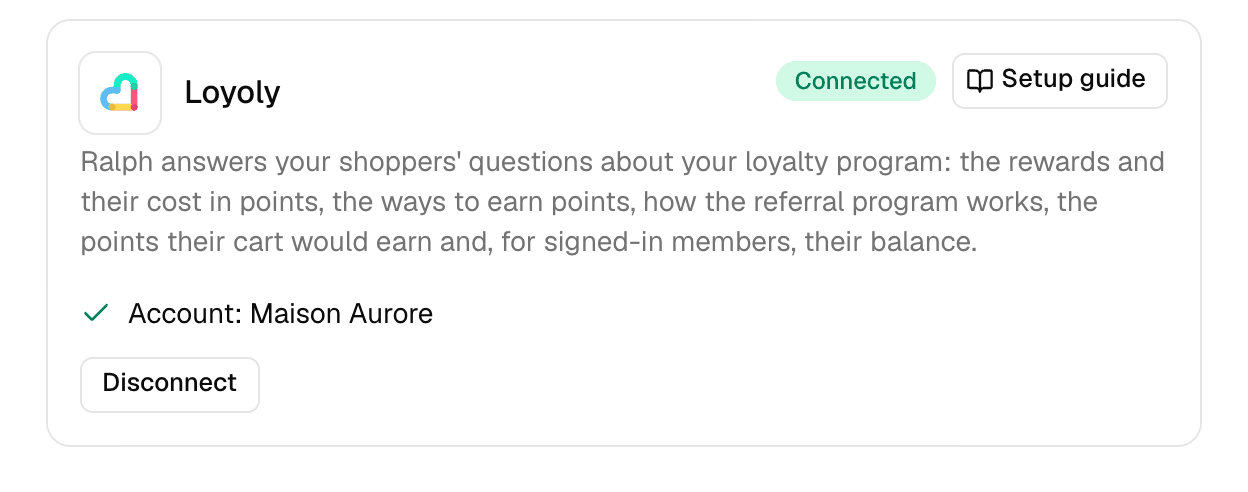
Connect checks the key and saves it. The card then shows the account name, and Ralph reads your program right away.
What Ralph answers
| Shoppers ask about | Every shopper | Signed-in member |
|---|---|---|
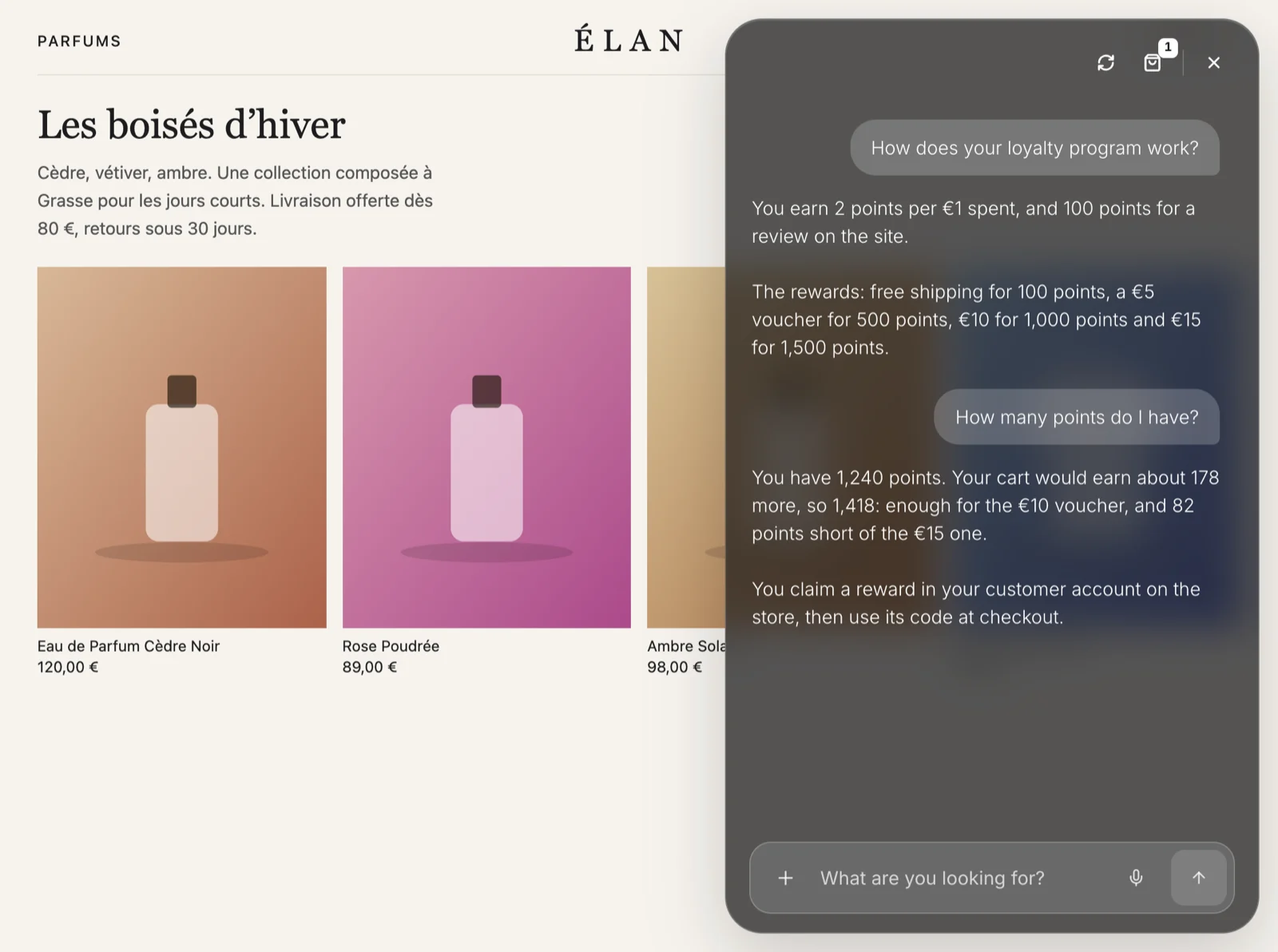
| The rewards and their cost in points | Yes | Yes |
| The ways to earn points, such as leaving a review | Yes | Yes |
| The referral program: what each side earns, minimum order | Yes | Yes |
| The points their cart would earn | Yes | Yes |
| Their points balance, read from Loyoly when they ask | - | Yes |
| How close their balance and cart bring them to each reward | - | Yes |
| The rewards they claimed and can still use | - | Yes |
A shopper who is not signed in is invited to sign in or create an account on your store. A signed-in shopper who is not a member is invited to join your program.
The cart figure follows your program's rate. When your rules could change it (excluded products, taxes or gift cards left out, a VIP multiplier), Ralph presents it as an estimate.
Member balances
Ralph reads a balance only for a shopper the widget knows is signed in. The Shopify app embed tells the widget who is signed in, then the widget has Shopify confirm it.
- Member balances are not available on a headless storefront for now.
- Ralph shows a balance only when the email Loyoly holds for the member matches the shopper's account email. Otherwise Ralph treats the shopper as not yet a member and invites them to join.
Rewards stay in the customer account
Ralph never claims a reward and never shows a reward code. A shopper claims a reward in their customer account on your store, then uses its code at checkout.